
Starter
₦4,500/month
300 AI credits / billing month
Start with StarterAnswer questions, recommend products and collect enquiries on WhatsApp and Instagram.
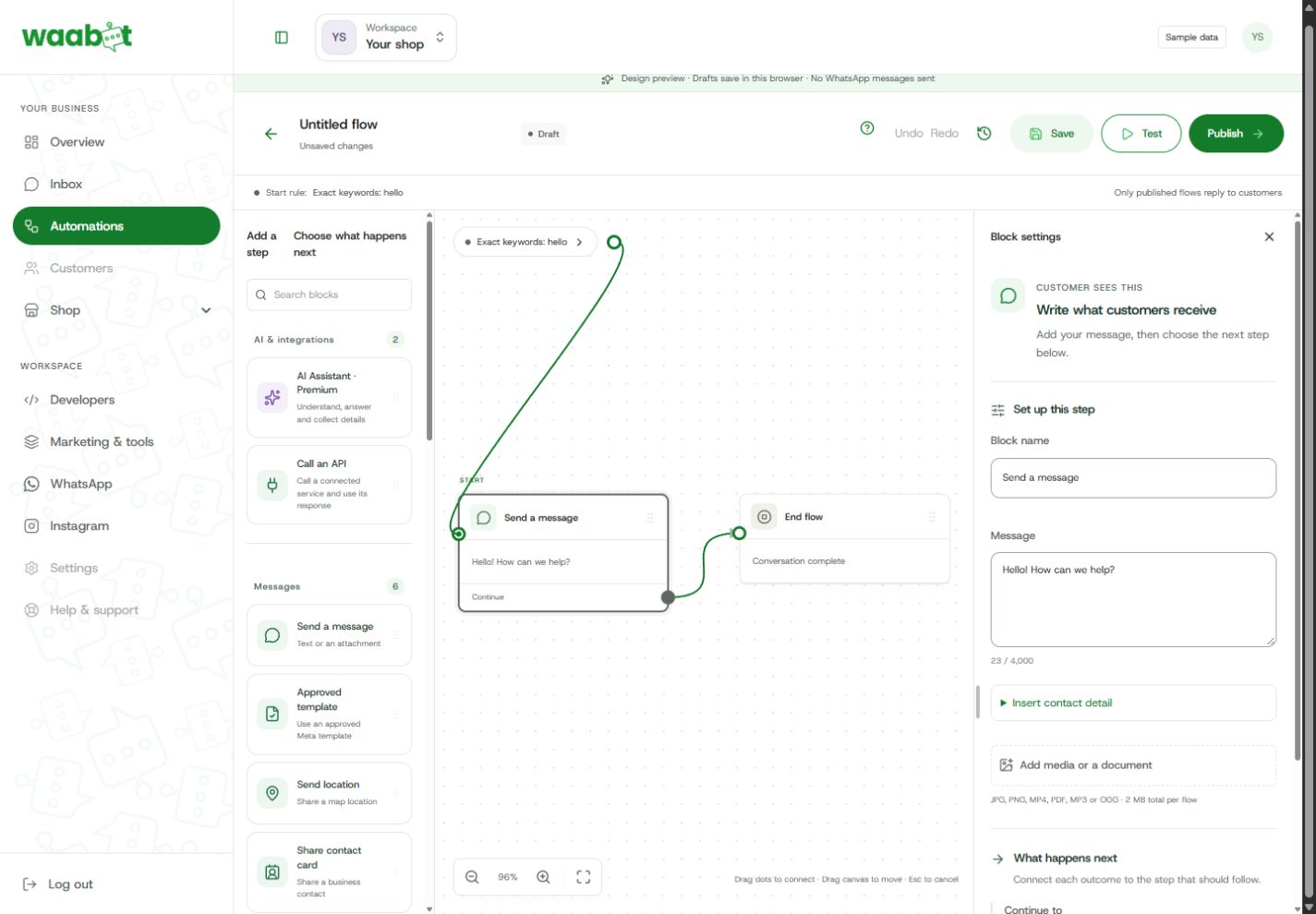
Illustrative conversations. Your flow controls the replies; AI is optional.


Use configured API actions with your services. Supported AI actions can prepare checkout or look up orders when enabled and set up.
Choose WhatsApp or your Instagram professional account.
Start with a guided flow and try the conversation.
Go live when your connection and flow are ready.
Account eligibility, permissions and channel messaging rules apply.
₦4,500/month
300 AI credits / billing month
Start with Starter₦9,500/month
1,000 AI credits / billing month
Start with GrowthOptional AI packs and applicable messaging/payment charges are separate. Understand your costs.
Bankole can help.
No. Keyword rules, buttons and fixed replies work without AI credits. AI is optional and requires activation, configuration and available credits. Credits are usage units, not a fixed number of replies.
Yes. A matching comment can trigger a public reply or an opening private reply. Sending that private reply alone does not allow an unrestricted conversation: the customer needs to reply or interact with a supported reply button. Instagram’s messaging rules still apply.
An eligible WhatsApp Business connection or Instagram professional account, the required permissions and a plan with access to that channel. Your dashboard checks connection and publishing requirements.
Yes. Add a handoff step and choose its settings. Your team can continue the conversation from the shared inbox, with automation paused when configured.
Build your conversation. Test it. Make it yours.
PRICE, please!